
Meeting Automation Guides & Tutorials
Step-by-step guides for meeting automation with Zoom, Teams, Google Meet, Salesforce, Jira, Trello, and Notion. Set up in minutes.
Why Meeting Automation Matters for Growing Teams
Every business meeting produces decisions, action items, and context that keep projects moving forward. Yet most of that information disappears within hours. Professionals forget roughly half of what was discussed within a single day. Without structured capture, teams repeat the same discussions, miss critical follow-ups, and lose the connection between what was agreed and what actually happens next.
Meeting automation solves this at the source. By connecting your video conferencing platform to the tools your team already uses, you turn every conversation into searchable, actionable data. AI-powered meeting transcription captures the full discussion. Automated analysis extracts the decisions and commitments that matter most. Direct integrations push action items into the systems where your team already works.
What You Will Learn
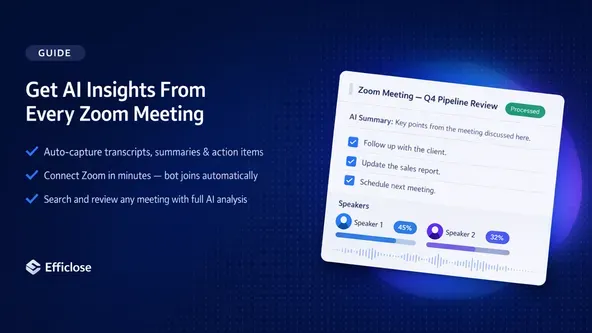
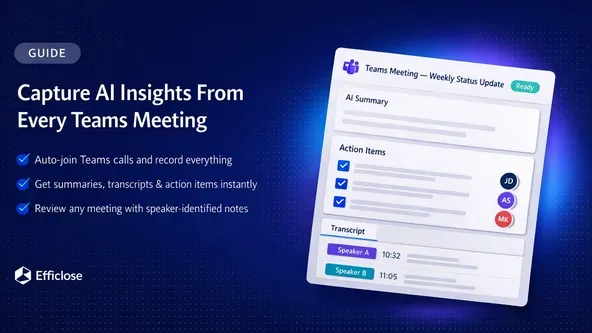
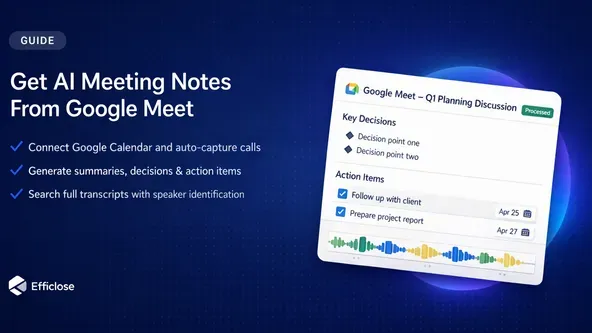
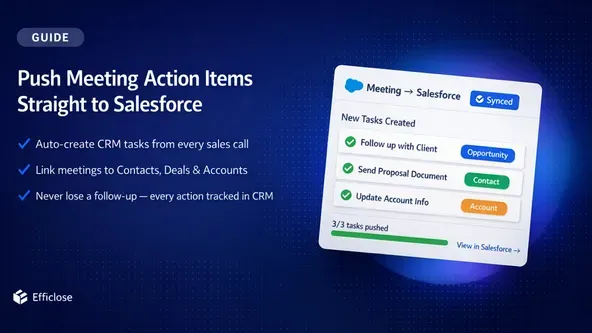
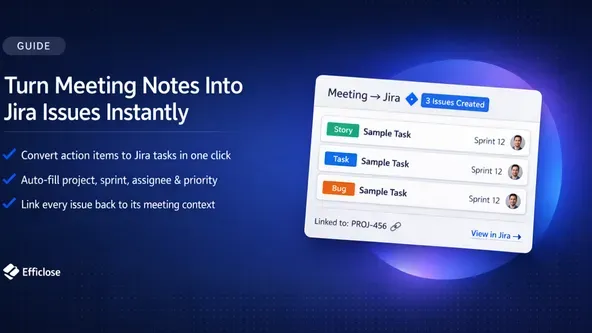
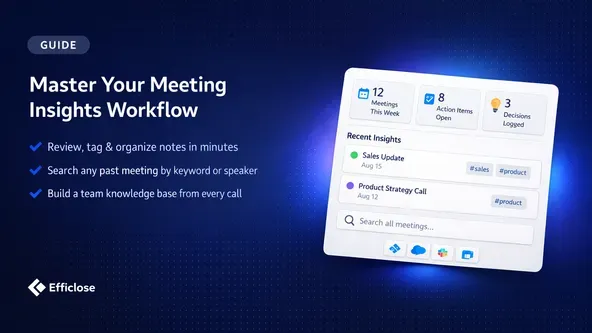
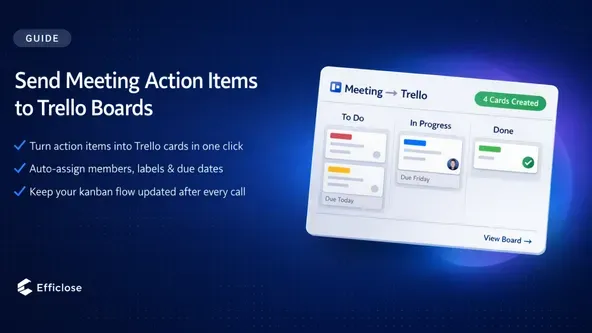
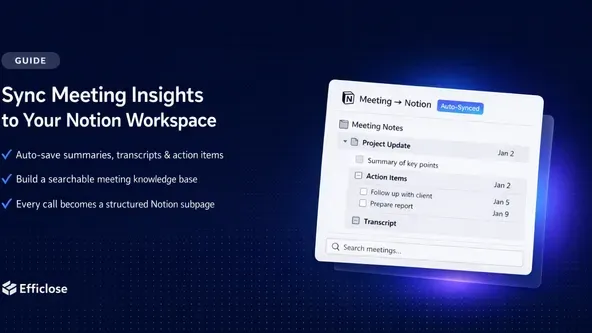
Each guide in this collection covers a specific integration from initial setup to daily use. Connect Zoom, Microsoft Teams, or Google Meet for AI meeting transcription and analysis that automatically records, transcribes, and extracts key takeaways from every call. Set up automated action item workflows that route tasks from AI meeting notes directly into Salesforce, Jira, or Trello so nothing falls through the cracks. Build structured knowledge capture in Notion with a searchable archive of decisions, commitments, and project context that your entire team can reference.
Who These Guides Are For
Sales teams tracking customer commitments across dozens of weekly calls. Product managers converting sprint planning discussions into Jira tickets without switching tools. Customer success teams documenting client feedback and escalations. Operations leaders building decision logs that the entire organization can reference. Any team running five or more meetings per week that needs a reliable system for capturing what was said, decided, and assigned.
Start in Under Five Minutes
Every guide includes step-by-step screenshots, common troubleshooting scenarios, and proven practices from teams already running these workflows. Choose the integration that fits your technology stack, follow the instructions, and start capturing meeting insights from your very next call.