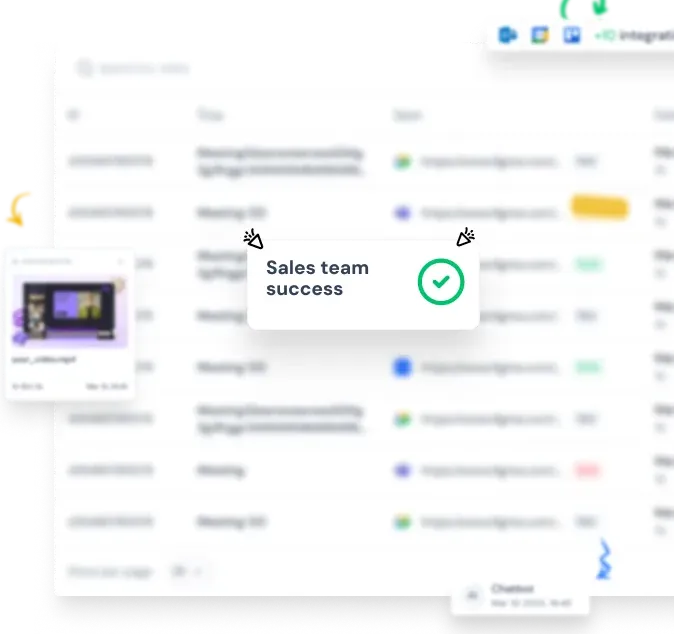

The AI Desktop Notetaker That's Always Ready for Your Next Meeting
The full Efficlose AI platform as a dedicated desktop meeting assistant for macOS and Windows. Recording, transcription, summaries, CRM sync, and conversation intelligence — always one click away from your dock or taskbar. No browser tab required.

Trusted by the best front-end teams


Why Use the Notetaker Desktop App Instead of the Browser
Same powerful AI platform — better daily workflow. Here's why teams prefer a dedicated desktop experience.
Always One Click Away
No more hunting through browser tabs to find Efficlose. The AI desktop notetaker lives in your dock or taskbar — launch it instantly, even when your browser is closed. It's ready before your next meeting starts.
Native Desktop Notifications
Get meeting reminders, recording alerts, and action item updates through your operating system's notification center. The AI desktop assistant keeps you on track even when you're deep in another app.
A Dedicated, Distraction-Free Workspace
Separate your meeting intelligence from your browsing. The desktop meeting assistant gives Efficlose its own window, its own place in your app switcher, and its own keyboard shortcuts — so you stay focused.
Features
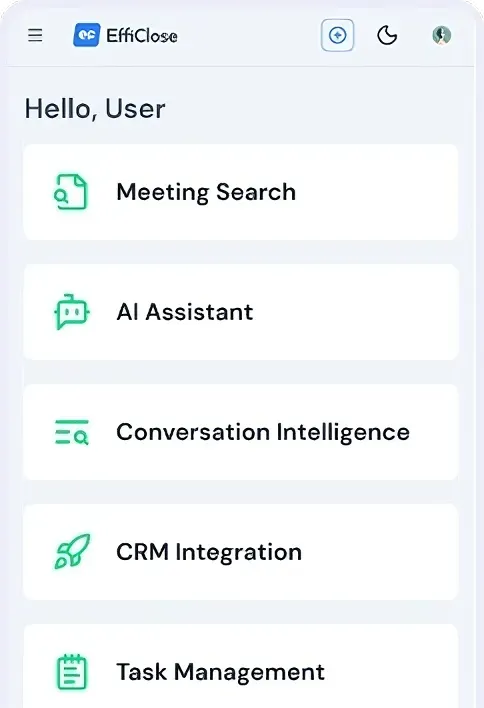
Every Platform Feature, Right on Your Desktop
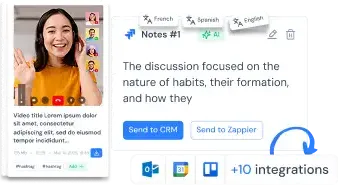
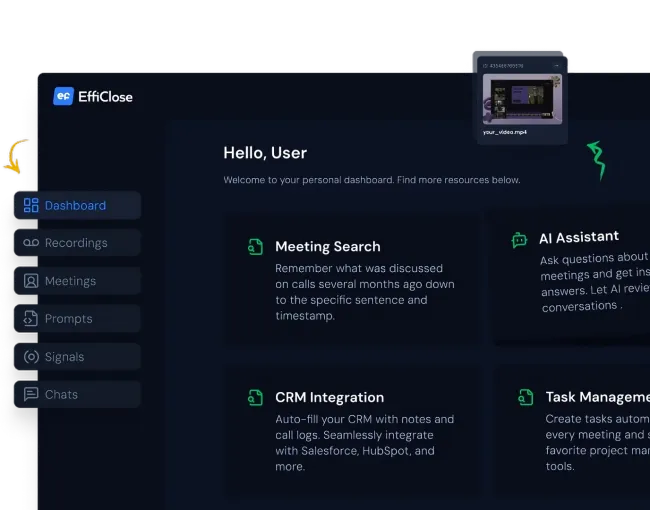
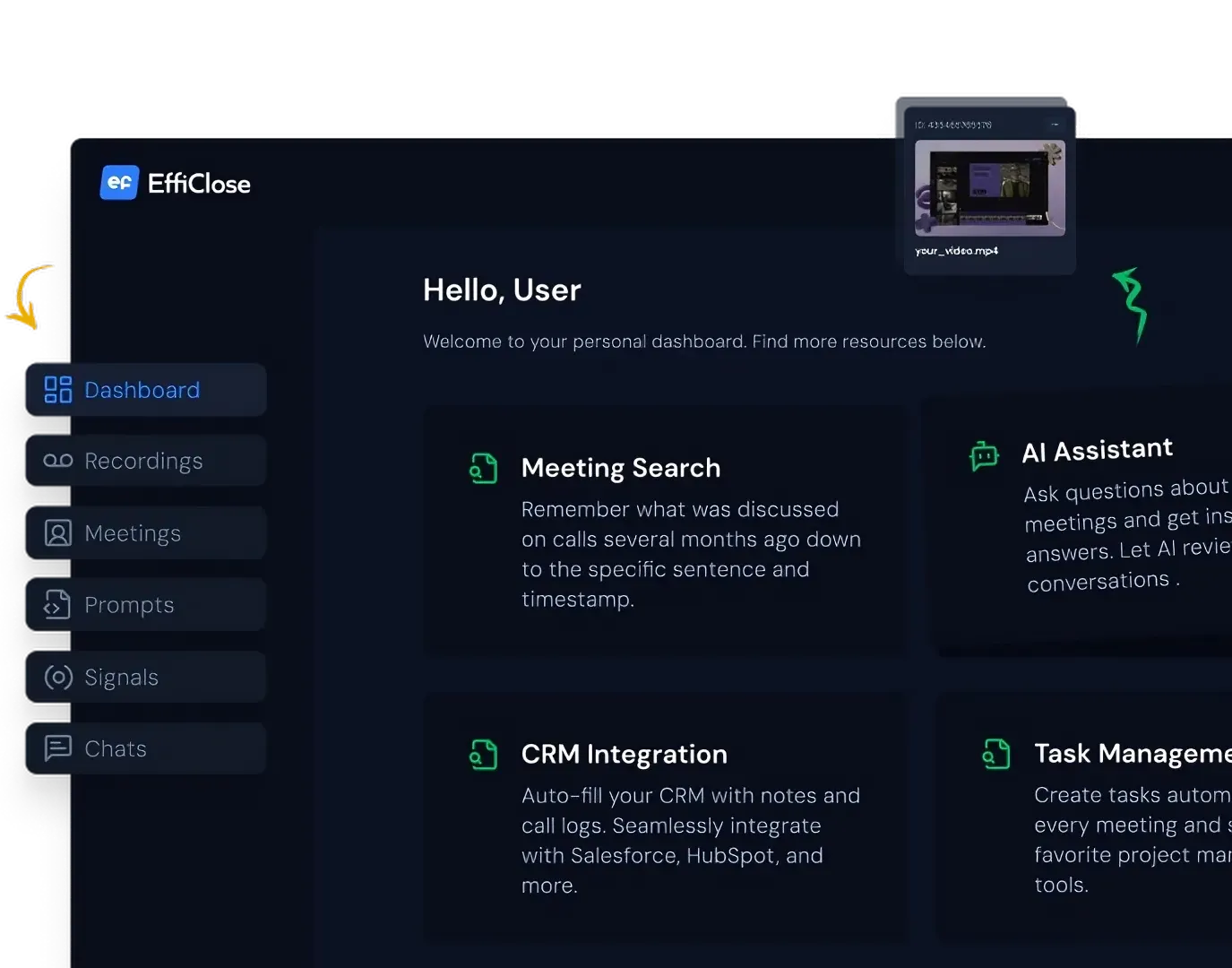
The AI desktop notetaker isn't a lite version. It's the full Efficlose platform in a native app — nothing is missing.

Your AI Desktop Assistant in Three Simple Steps
Download, sign in, and let the notetaker desktop app handle the rest.
1. Download & Install
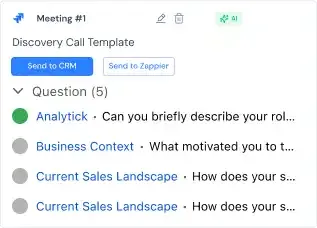
Get the Efficlose desktop app for macOS or Windows. Installation takes under a minute — launch it and sign in with your existing Efficlose account.
2. Pin It to Your Dock or Taskbar
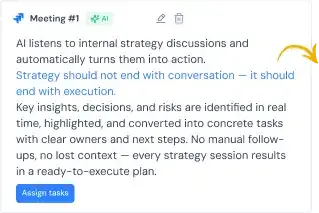
Keep the desktop meeting assistant where you can always reach it. It launches instantly and stays ready — no need to find a browser tab or remember a URL.
3. Record, Transcribe & Act
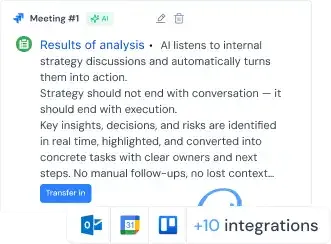
Join meetings, review AI summaries, search past conversations, and manage action items — all from the app. Everything syncs across your devices and the web platform automatically.
The Desktop Meeting Assistant Connects to Every Tool
Same integrations as the web platform — all accessible from the notetaker desktop app.
CRM Integrations
Salesforce, HubSpot, and Pipedrive sync automatically. Meeting notes, call logs, and deal updates flow to your CRM after every conversation.
Task & Project Management
Action items route to Jira, Asana, Monday.com, or your team's preferred tool — with context, assignees, and deadlines attached.
Calendar & Meeting Platforms
Sync with Google Calendar and Outlook. The AI desktop assistant auto-joins meetings on Zoom, Microsoft Teams, and Google Meet via the built-in bot.
Chrome Extension Companion
Use the Chrome extension for bot-free recording alongside the desktop app for reviewing and managing meetings. Both sync to the same workspace — they're better together.
API & Webhooks
Connect Efficlose to any internal tool through the REST API and webhooks. Trigger workflows, export data, and build custom integrations.
SSO & Admin Controls
Enterprise SSO, role-based access, and admin dashboard — all manageable from the desktop app. Same admin experience as the web platform.

The AI Desktop Notetaker for Every Team Member
From leadership reviewing call analytics to individual contributors catching up on standups — the desktop app fits every workflow.
For Sales & Client-Facing Teams
Launch the desktop meeting assistant before every client call. Record the conversation, get instant AI summaries, and let CRM updates happen automatically — all without switching to a browser mid-call.
For Managers & Team Leads
Keep the AI desktop assistant pinned to your taskbar. Review meeting summaries between calls, track decisions across your team, and catch up on any meeting you missed — in a dedicated window that doesn't compete with your browser tabs.
For Engineers & Individual Contributors
Minimize the notetaker desktop app and let it work in the background during standups, retros, and technical discussions. Search past meetings later when you need to recall a decision or find a specific code review discussion.
See Why Teams Choose Efficlose
Join thousands of organizations using Efficlose to capture, analyze, and act on their conversations.
“Efficlose brought more structure to our meetings and more transparency within our company. We never miss important action items anymore.”

Sarah Chen
CEO at TechScale Solutions
“Having the desktop app pinned to my dock means I'm always ready to record. No more scrambling to find the right browser tab when a meeting starts.”

Marcus Rodriguez
VP of Sales at DataFlow
“Efficlose cuts down on additional calls with customers, letting us focus directly on solutions. The AI summaries are incredibly accurate.”

David Kumar
Co-founder at SecureStack
Frequently Asked Questions
Explore All Efficlose Products
Efficlose works wherever your team works — in the browser, on your desktop, or through the web platform.
Available Now
Coming Soon
Mobile Apps
Capture on the go with iOS & Android
API
Build custom integrations and workflows
Get the AI Desktop Notetaker for Mac & Windows
Download Efficlose and give your meetings a dedicated home on your desktop. Free with every plan — same features, faster access.
- 100% free desktop meeting assistant
- Full platform features — nothing stripped down
- Available for macOS & Windows
- Syncs with web platform & Chrome extension
- Setup in under a minute
Join thousands of teams already using Efficlose